

Quick answer: Before buying CBD online, review what personal information the site collects, why it needs identity or age verification, how payment and shipping data are handled, whether a third-party verifier is used, how long records are retained, and how to contact support. A secure-looking checkout is not a complete privacy explanation.
People searching CBD online shopping privacy often want to know whether an age check, address request, or identity upload is normal. The practical answer depends on the seller, product category, payment provider, carrier, and destination. This guide gives adult shoppers a checklist for evaluating the website and reducing unnecessary data exposure without promising that any online transaction is risk-free.
What information an online CBD order may involve
- Account name, email, and password.
- Billing and shipping address.
- Payment or payment-provider token.
- Age or identity-verification result.
- Order contents, batch, and delivery status.
- Customer-support messages and return evidence.
- Cookies, device information, and marketing preferences.
Not every seller collects every field. Read the privacy notice and checkout language before submitting information. Ask whether the seller receives a pass/fail result from a verification service or stores a full document image.
Use the online age-verification guide and CBD brand website evaluation checklist.
How to evaluate a privacy notice
Look for the business identity, categories of information collected, purpose of collection, service providers, retention period, security language, consumer rights, contact method, and marketing choices. A notice should explain whether data is shared with payment, fraud-prevention, age-verification, shipping, analytics, or advertising providers.
Do not assume that a privacy notice prevents every breach or disclosure. It tells you the seller’s stated practices and choices. If the notice is missing, copied from another business, or impossible to understand, ask support for a plain-language answer before creating an account.
Age and identity verification questions
A seller may check age at checkout, during payment review, or at delivery. Ask what information is required, why it is necessary, whether a third party processes it, what the seller retains, and how long it is retained. Use only the official website or support route. Never send a full identity document to an unexpected email or shortened link.
- Open the seller’s website directly.
- Read the age and privacy instructions.
- Confirm the verification provider if named.
- Submit only the required fields through the approved flow.
- Save the support response without keeping unnecessary identity data.
Do not falsify information, use another person’s identity, create duplicate accounts, or ask a minor to receive a package.
Payment and shipping privacy
Use a payment method and account you understand. Check whether the merchant descriptor will identify the seller and whether the payment page is hosted by a provider. Do not share passwords, one-time codes, or full card details through customer support.
Shipping requires a name and destination address, but the seller should explain how delivery data is used. Review the shipping policy, regional availability guide, and return policy.
What to do if a message looks suspicious
Do not click unexpected payment, refund, identity, or delivery links. Open the seller’s domain manually and contact support from the official page. Ask support to confirm the order number and the requested action. Save a screenshot with sensitive numbers redacted.
If you believe personal information was exposed, follow the seller’s incident instructions and applicable official consumer guidance. This article is not legal, cybersecurity, or financial advice.
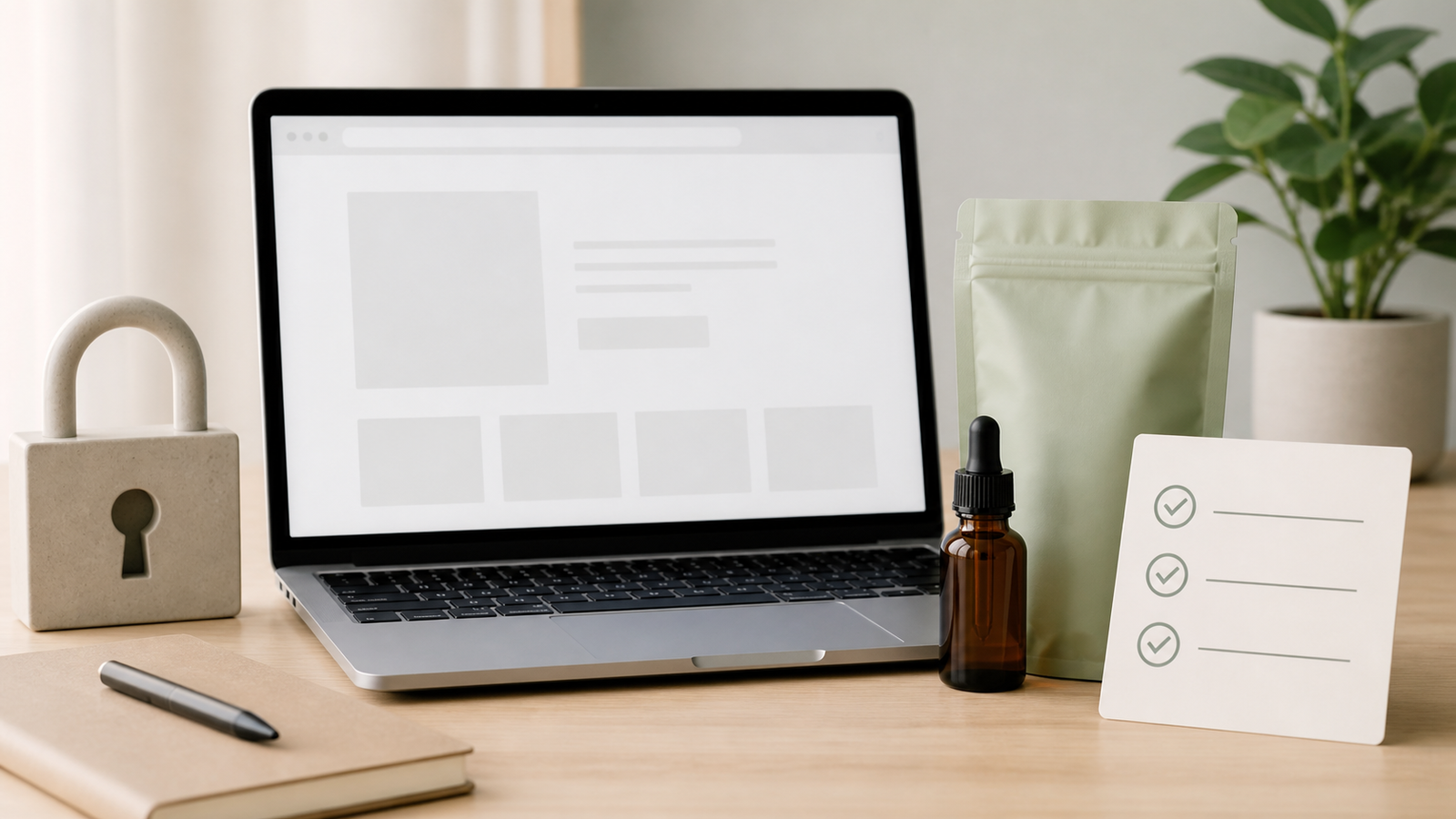
CBD online shopping privacy checklist
- Is the seller clearly identified?
- Is the privacy notice accessible and specific?
- Does it explain verification and service providers?
- Is data retention addressed?
- Can marketing consent be changed?
- Is payment handled through a recognizable secure flow?
- Are shipping and return practices clear?
- Is there a working support route?
- Does the site avoid unnecessary document requests?
For product transparency, also review CBD label information and COA guidance.
How to minimize unnecessary data
Use a unique password, enable available account security, and submit only the fields required by the approved checkout or verification flow. Do not reuse a password from banking, email, or health services. Do not send payment credentials, one-time codes, or full identity documents through ordinary customer-support email unless the seller explicitly directs you to a secure process.
Review optional marketing boxes and account preferences. A transaction may need an email for order status, but that does not automatically mean you need promotional messages. Keep a private record of the order number and product details while avoiding unnecessary copies of identity documents.
Check the domain carefully when a message arrives about payment, delivery, refund, or age verification. Open the seller’s site manually instead of using an unexpected link. Verify the order number through the official contact page. A familiar logo or professional wording is not enough to prove that a message is legitimate.
Questions for a third-party verifier
- What information is collected?
- Does the seller receive a pass/fail result or a document copy?
- How long is data retained?
- Who can access the record?
- Is the information used for marketing?
- What process corrects a failed check?
If the site cannot answer basic questions about a sensitive request, pause before submitting it. A secure connection protects data in transit but does not explain storage, sharing, or retention.
Order records and deletion requests
Keep the minimum record needed to resolve an order: seller, product, date, order number, batch code, report URL, and support conversation. Do not store unnecessary identification numbers with product notes. Review the privacy notice for applicable access or deletion options and use the stated contact route.
Privacy practices can change when a seller changes payment, verification, analytics, or shipping providers. Recheck the notice when creating a new account or ordering a different product. A previous checkout does not prove a new checkout uses the same data flow.
A practical privacy review asks three questions: what must be provided, why is it needed, and how long is it kept? If the answer is unclear, use official support before submitting a document. Do not let a checkout countdown or urgent refund message pressure you into sharing more information than the approved process requires.
Keep order evidence separate from sensitive identity records. A product name, order number, batch code, report URL, and support message may be enough to resolve a product question. Redact identity numbers and payment details in screenshots used for general notes.
If a verification request changes after checkout, confirm it through the seller’s official website. Do not use a new link just because it appears to contain the brand name. Check the domain, open the site manually, and ask support to confirm the request.
Privacy is part of a trustworthy buying process, alongside a clear label, a batch-specific report, realistic claims, and accessible shipping and return policies. None of these signals is perfect alone; together they make the transaction easier to evaluate.
Before creating an account, decide what information you actually need to complete the order. Do not provide extra personal details simply because a form asks for them. If a field is optional, read the purpose before completing it.
After the order, review confirmation messages and remove unnecessary saved payment or profile information where the seller provides that option. Keep only the records needed for support, refunds, batch traceability, or a future recall question.
When a site uses an outside verifier, read the verifier’s own privacy information if it is linked. Ask whether the seller receives a result or a document copy. The smallest necessary data flow is easier to understand than an unexplained request for a complete identity file. Use a manual visit to the official domain when checking an unexpected message.
A privacy review should also consider order history, marketing consent, saved payment details, and support records. Review optional fields before submitting them, and keep only the minimum order evidence needed for a refund, batch question, or recall. If the site cannot explain its request, pause before providing sensitive information.
Use the official support page when questions remain.
Keep the final answer with the order record.
Do not let urgency turn a privacy question into an automatic upload.
Ask what is required, why it is required, and how long it is retained.
Frequently asked questions
Should a CBD site ask for ID?
Some sellers may use age or identity verification. Ask what is collected and how it is handled before submitting a document.
Can I email my ID to support?
Use only the seller’s approved secure process. Do not send sensitive documents to an unverified address.
Does HTTPS guarantee privacy?
No. It protects a connection but does not explain retention, sharing, or marketing practices.
Can I shop without creating an account?
That depends on the seller. Ask what information is required and whether guest checkout is available.
Conclusion
CBD online shopping privacy is a product, identity, payment, and delivery question. Read the privacy notice, understand verification, submit only necessary information, use official support routes, and preserve a minimal order record. A transparent seller makes both product evidence and data practices easier to review.
Editorial note: Herbxmind publishes adult-use consumer education. This article is not medical, legal, privacy, or cybersecurity advice; policies and requirements can change.