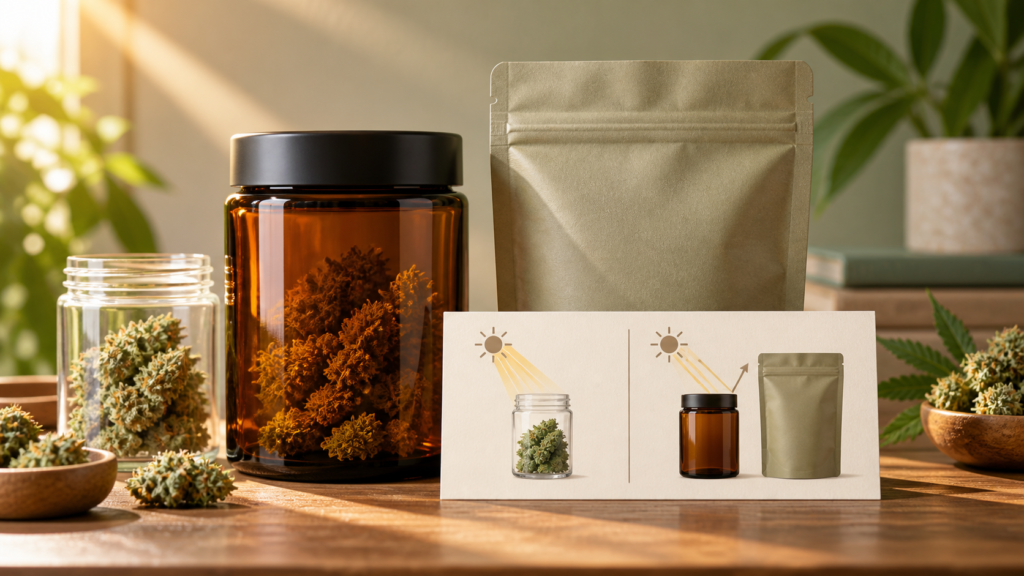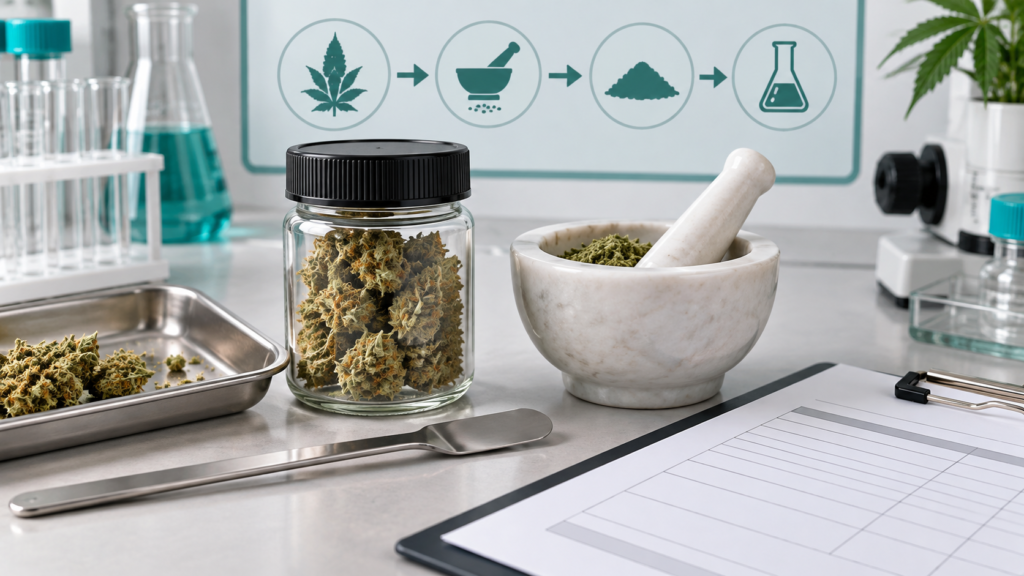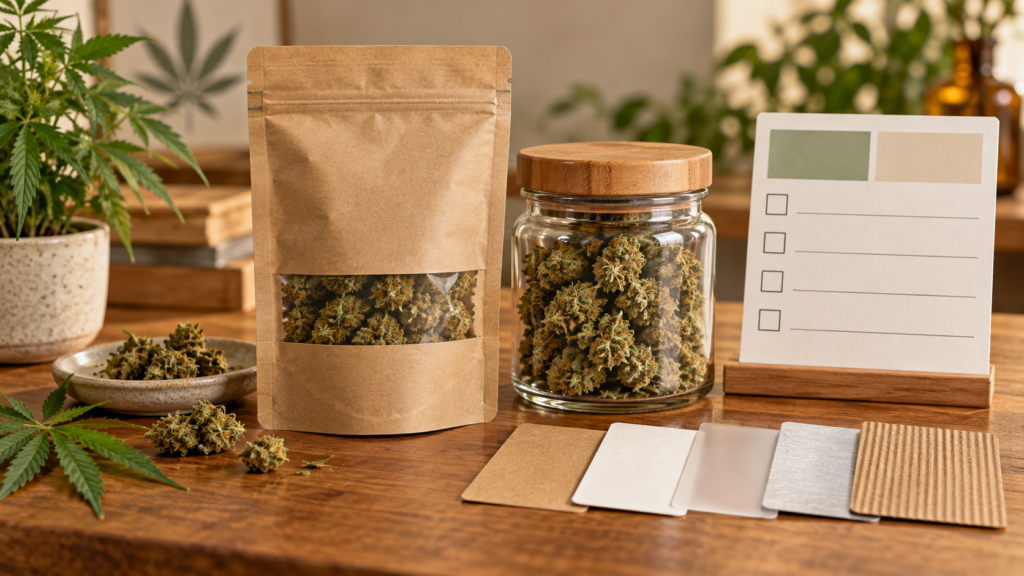


Quick answer: This Herbxmind guide covers verify cannabis COA QR code with practical label, COA, ingredient, and responsible-buying checks for adult consumers.
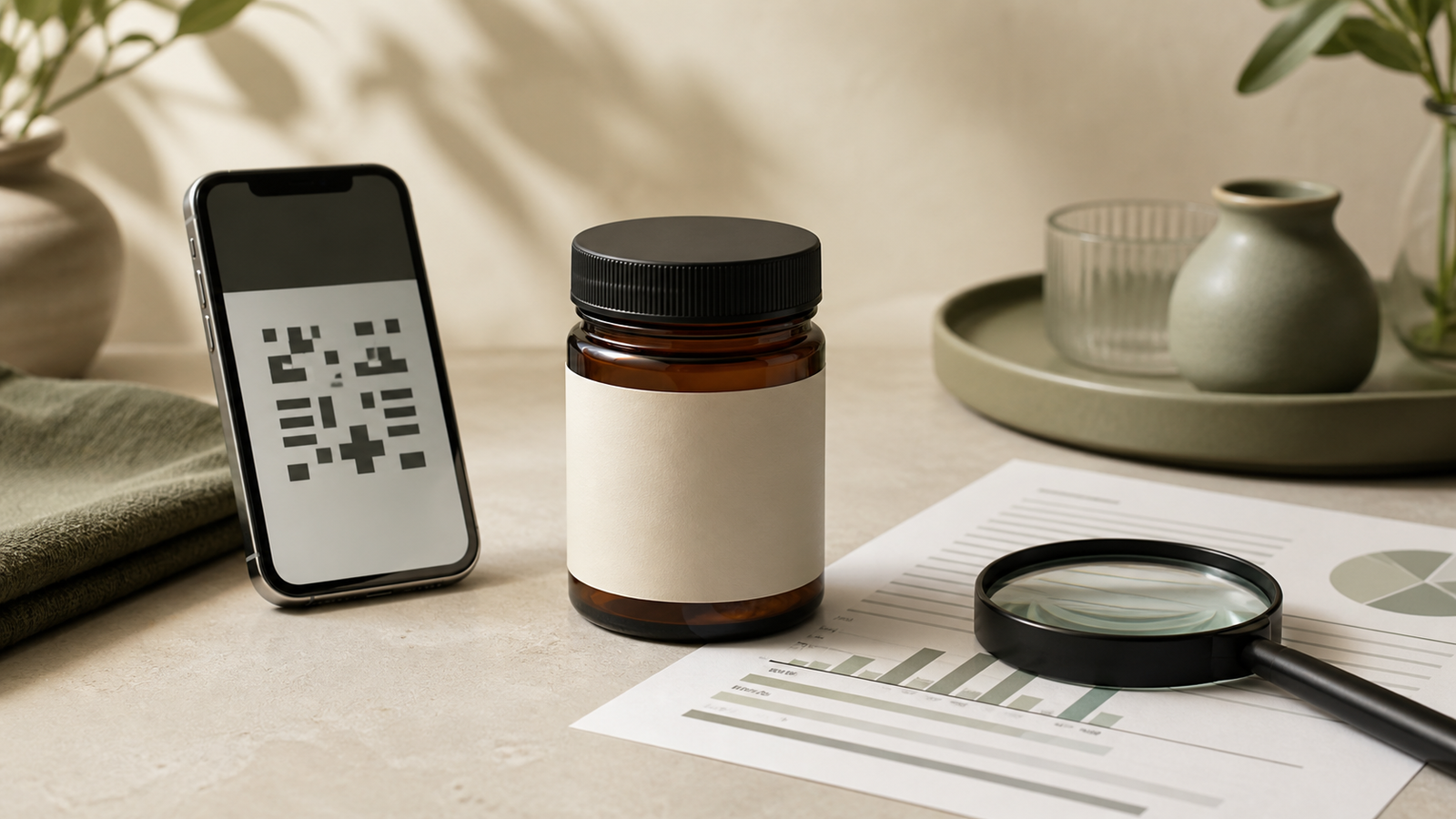
Quick answer: To verify a cannabis COA QR code, scan it, confirm that it opens a readable report rather than a generic page, and match the report’s product name, form, batch or lot identifier, laboratory details, dates, units, and testing scope to the item you are considering. If the QR code is broken, leads somewhere unrelated, or leaves the product identity unclear, pause and ask the seller for the current report. A QR code is a shortcut to information; it is not proof on its own.
Many cannabinoid packages and product pages use QR codes to point buyers toward laboratory information. That can be helpful, but it can also make a quick scan feel more conclusive than it is. A link can remain active after a product changes, lead to a library rather than a report, or show a document for a different batch. This guide gives eligible adult buyers a practical, label-first way to check the connection without making medical claims, promising product quality, or stating that an item is available or lawful in every location.
What a COA QR code can and cannot do
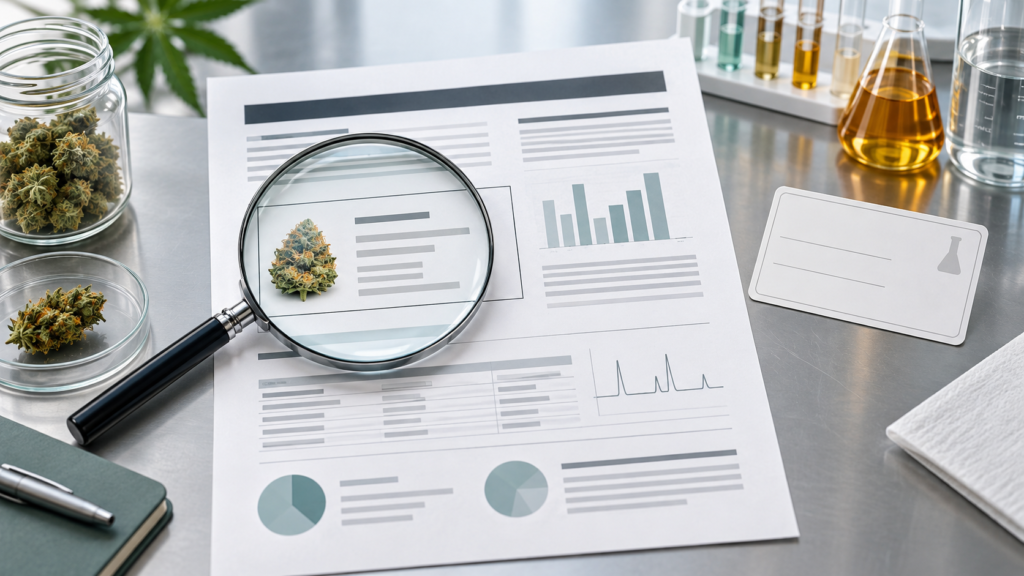
A certificate of analysis, often shortened to COA, is a laboratory report for a stated sample. A QR code can make that report easier to locate. It does not establish that every unit is identical to the sample, that the lab report is current for a particular package, or that a product is safe for any particular person. It also cannot replace an ingredient panel, package condition check, or destination-specific availability review.
Oregon’s 2025 technical report on marijuana and hemp markets noted that QR codes on products may purport to link to test results but do not always function as a consumer would expect. That is a useful reason to treat scanning as the first step, not the final step. The practical question is not simply “Did a camera open a page?” It is “Can I identify a report that corresponds to the product in front of me?”
Use this seven-step cannabis COA QR code check
- Scan without entering unrelated information. Use a phone camera or trusted scanner. Notice the destination before following additional prompts. A report link should not require you to provide health information or make a purchase to see basic documentation.
- Confirm that the destination is usable. Look for a readable PDF, report page, or document library. A broken link, blank page, unrelated product, or generic marketing page is an unresolved question, not a passing result.
- Identify the product form. Compare the report with the actual format: gummy, vape, flower, liquid, or another finished product. Similar product names do not make formats interchangeable.
- Match the batch or lot number. Compare the identifier on the package or product page with the identifier on the report. If only a broad product name matches, ask whether the report covers the exact batch.
- Read the dates and laboratory identity. Note the sample, report, or analysis date as presented and the laboratory named on the document. A date is context, not an expiration or legal determination.
- Check which panels are actually present. A report may include cannabinoids, but it may not include every category a buyer expects. Read the stated scope instead of assuming that one panel represents all possible tests.
- Keep the product information together. Save the report link and photograph the package’s batch number, ingredients, and warnings before discarding outer packaging. That makes a later question easier to discuss with the seller.
Start with the package, not the QR code
The package is the reference point for the check. Before scanning, note the product name, cannabinoid statement, format, net contents, batch or lot number, and any date shown. Then compare those facts with the report. A document may look official but still be too general if it does not identify the same product form or batch. For a broader overview of the fields to compare, see Herbxmind’s cannabis COA batch-matching checklist and the site’s lab results page.
Be precise about language. “Lot,” “batch,” “sample,” and “production run” can be used differently by sellers and laboratories. Do not invent a match because two codes share a few characters. If the relationship is not stated clearly, take a screenshot and request clarification from the seller. A responsive answer should identify the correct document; it should not ask you to infer a laboratory result from a decorative QR code.
Read the report identity before reading the numbers
Buyers often jump straight to a potency table. Start instead with the report header and sample description. Look for the laboratory name, report or sample identifier, product description, matrix or form, reporting date, and the batch or lot field when available. These details help answer whether the document belongs to the item being evaluated. A cannabinoid number on a report for a different format or batch is not a useful comparison.
Units matter too. A report may express a result by weight, volume, serving, or another basis. Do not translate one unit into another unless the report and package make that comparison clear. Herbxmind’s cannabinoid serving-size guide explains why per-package, per-serving, and per-milliliter figures answer different questions.
Check the scope: a report is not a universal guarantee
A COA may show one or more test categories. It may report cannabinoids, certain contaminants, or other specified analyses. The presence of one result does not prove that every possible compound or quality issue was evaluated. Read panel names, method notes, result qualifiers, and the sample description where provided. If a category is important to your buying decision, ask the seller whether it was tested for the exact product batch and request the document rather than relying on a summary badge.
The FDA states that questions about the safety and quality of many CBD products remain unresolved, and it has raised concerns about inaccurate cannabinoid content and potential contaminants in some products. That is a reason to avoid treating a single marketing phrase as a health, safety, or efficacy assurance. A COA supports a limited, document-specific comparison; it does not turn a retail item into an FDA-approved medicine or eliminate personal health considerations.
Common QR code outcomes and the appropriate next move
| What you find | What it means | Practical next move |
|---|---|---|
| Readable report with matching batch | The document is easier to compare with the package. | Review product identity, scope, units, and dates; retain the link. |
| Generic lab library | The QR code may be a directory rather than the exact COA. | Search using the full product and batch information or ask support for the direct record. |
| Broken or expired link | You cannot verify the document from that route. | Do not guess; request a current readable report before relying on the claim. |
| Report differs from package | The identity match is unresolved. | Pause the purchase or use decision and ask the seller to explain the discrepancy in writing. |
Do not use a QR code as a legal, medical, or shipping answer
Documentation does not determine whether an item can be shipped to a particular address or possessed under local rules. Policies and regulations can change, and product availability is destination-specific. Before ordering, review where Herbxmind ships and the legal disclaimer. Contact the seller if the checkout experience and the product page give different information.
A QR-linked COA also is not dosage guidance or a statement about effects. The FDA warns that non-approved CBD products have not been evaluated to determine safe dosage, interactions, or effectiveness for particular conditions. If a health question, medication, pregnancy, breastfeeding, or a concern about impairment is part of the decision, use a qualified healthcare professional rather than a product page or laboratory document as your source of personal advice.
Continue learning
- How to compare a CBD COA with the product you receive
- What total cannabinoids on a COA means
- Browse CBD product information
- Contact Herbxmind with a product-document question
Frequently asked questions
Does scanning a QR code prove that a cannabis product has been tested?
No. A QR code only opens a destination. A useful check continues by confirming that the report is readable, identifies the relevant product and batch, and states what was tested.
What should a cannabis COA QR code open?
It should lead to a readable report or a clear report library from which the exact product and batch can be identified. A generic homepage, broken link, or unrelated document does not complete the verification.
Can a COA tell me whether a product is legal or right for me?
No. A COA describes a tested sample and its stated results. It does not determine current destination rules, age eligibility, product availability, medical suitability, or individual effects.
Bottom line
To verify a cannabis COA QR code, connect the scan back to the physical or listed product: the form, batch, report identity, date context, units, and panels should make sense together. Treat a missing or mismatched document as a question worth resolving, not a gap to fill with assumptions. This editorial guide was reviewed August 15, 2026 against FDA consumer information and Oregon’s 2025 market report. It is adult product education where permitted, not medical or legal advice and not a guarantee of testing, quality, legality, or delivery.
Sources: Oregon Liquor and Cannabis Commission, 2025 technical report; FDA consumer update on cannabis and cannabis-derived products.