

Quick answer: This Herbxmind guide covers why is my vape blinking with practical label, COA, ingredient, and responsible-buying checks for adult consumers.
Quick answer: A blinking light on a vape device is not a universal code. It may indicate a low battery, connection problem, lock state, charging issue, timeout, or device-specific fault—but the meaning depends on the exact manufacturer and model. Start with the original instructions and the product page. If you cannot identify the device, if it is hot, damaged, leaking, swollen, has an unusual odor, or behaves unexpectedly while charging, stop using it and follow the manufacturer’s safety and support guidance.
This is adult product education, not medical advice or a recommendation to use a product. It does not establish what is lawful, safe, approved, or appropriate for any person. A blinking indicator cannot tell you cannabinoid content, product authenticity, or personal effects. Keep devices and liquids away from children and pets, and contact emergency or poison-control services if an exposure is suspected.
Use this blinking-light checklist before troubleshooting
- Identify the exact device. Record the brand, model, package details, and any serial or batch identifier. Indicator patterns differ by device.
- Stop if there is a physical warning sign. Do not continue troubleshooting a device that is hot, visibly damaged, leaking, swollen, smoking, or has a burnt or chemical odor.
- Read the official instructions. Check the manufacturer’s model-specific guide for light meanings, lock features, charging method, and error steps.
- Inspect without dismantling. Look for obvious debris, a loose pod, moisture near a connection, or a damaged cable. Do not modify batteries or force components.
- Use only the stated charging setup. Follow the device maker’s instructions and avoid unattended charging.
- Document a support question. Photograph the device, package, indicator behavior, and order information before contacting the seller or manufacturer.
Why there is no universal blinking-light meaning
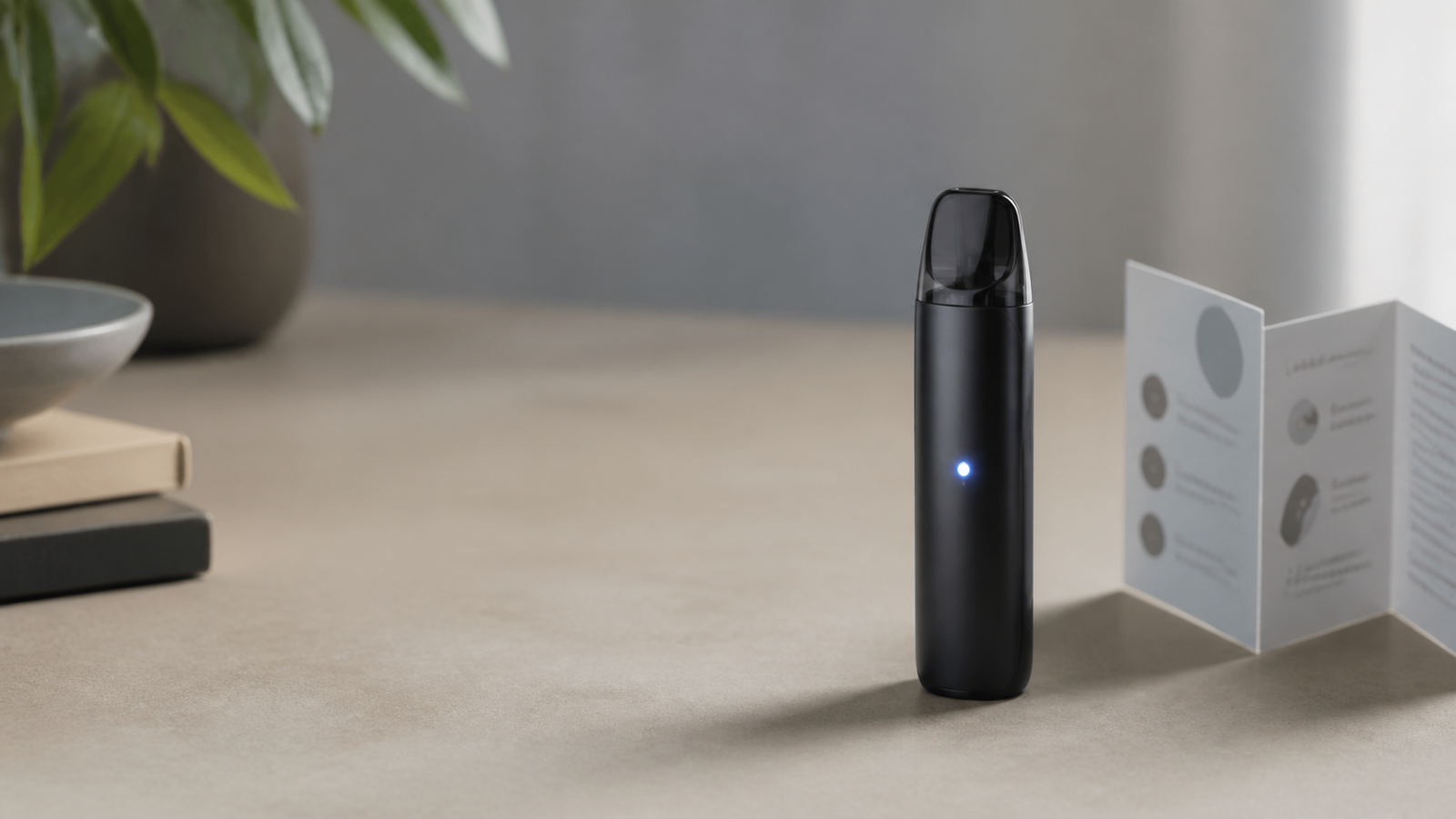
Device makers assign their own colors, counts, and sequences. One model may blink to show charging; another may blink for a connection check, low power, a timeout, or a lock/unlock action. A listing photo or a general social-media tip cannot reliably replace the guide for the exact model. Even two devices that look alike can use different components or firmware behavior.
That is why the first task is identification, not interpretation. Find the original package, product page, or manual. Look for a model name rather than only the flavor or product category. Record what you observe precisely: color, number of flashes, whether it happens on a draw, button press, plug-in, or after a device sits idle. This converts “it is blinking” into information customer support can use.
Do not treat the indicator as a health signal. A light cannot diagnose a person, certify product quality, or tell an adult what amount is appropriate. It is simply a device communication feature whose intended meaning must come from the responsible maker’s instructions.
Check the package and product information first
Start with the package in hand. Confirm the product name, device format, capacity statement, and any batch or lot identifier. Then compare the information with the current seller listing. If a manual or manufacturer support link is named, use that link before trying generic reset instructions. The all-in-one vape hardware checklist explains the purchase-information fields worth preserving.
If a product page offers a laboratory document, remember that a COA and a device guide do different jobs. A COA may describe an identified sample; it does not explain the battery, indicator logic, cable requirements, or safety response for the hardware. Conversely, a flashing light does not validate the COA. Compare package, product page, and lab information as separate records. See the vape product page versus COA guide for that distinction.
Possible categories to check in the official manual
Without applying a code from a different model, use the manufacturer instructions to check a few broad categories. First, identify whether the device has a lock or activation feature. Some products use repeated button presses or another deliberate action to prevent accidental activation. Second, check the charging instructions: cable type, power source, indicator behavior during charging, and whether the maker recommends stopping once charging is complete.
Third, check the connection information for a device with a removable or magnetic component. The manual may explain how to seat a compatible pod or cartridge and what to do if the connection area is dirty or wet. Do not pry, puncture, scrape aggressively, or use a conductive tool around a battery connection. Fourth, check for a draw or activation timeout. A device may blink when its automatic protection interrupts a long or unusual activation. The right response is the one in the model-specific guide—not a universal button sequence.
Finally, look for the manufacturer’s stated fault or error procedure. If the guide says to discontinue use or contact support, do that. Repeatedly trying to override a flashing state can increase confusion and can be unsafe if a device has an underlying physical problem.
Charging: follow the device maker, not a generic hack
Charging is a high-attention step because batteries and chargers are not interchangeable by appearance. FDA’s public information on e-cigarettes notes that batteries can present fire or explosion risks and recommends keeping devices away from extreme temperatures, avoiding overnight or unattended charging, and using the charger intended for the device. That resource addresses e-cigarette devices generally; it does not certify any cannabinoid vape product or make a particular device safe.
Apply the same conservative habits to the exact device: use the stated charging method, place it on a stable nonflammable surface, keep it in view, and disconnect it if the manufacturer’s guide directs you to do so. Do not charge a device that appears damaged, has been exposed to liquid, is unusually hot, has a deformed battery area, or shows any other warning sign. Do not leave it in a hot vehicle or near flammable material.
A blinking light while plugged in may be normal for one model and a fault for another. The package manual, not the color alone, decides which. If the official information is missing or unclear, contact the manufacturer or seller before connecting another cable or power source. Herbxmind’s battery and charging checklist offers general questions to ask, but it cannot replace the device manual.
When a blinking light follows a leak, heat, or damage
Some situations are not troubleshooting exercises. Stop using the device if you see leakage, cracks, swelling, corrosion, overheating, smoke, sparks, or an unusual smell. Do not put a leaking or damaged device in a pocket, bag, or household trash. Avoid skin and eye contact with leaked liquid; wash exposed skin with soap and water and seek appropriate help for an exposure or urgent symptom. The CDC and FDA publish general nicotine and e-cigarette safety information; it is provided here as a precautionary reference, not an equivalence claim about ingredients or a diagnosis.
Photograph the device condition from a safe distance, preserve the packaging, and use the seller’s support process. The vape device leak checklist describes how to document a suspected leak without promising a repair. Do not attempt to open a sealed disposable device, transfer liquid, modify circuitry, or repair a battery yourself.
What to tell customer support
A useful support request includes facts that can be checked. State the product name and model, purchase or order reference, lot or batch if available, indicator color and sequence, when the blinking occurs, whether the device was being charged, and whether there are visible signs of damage or leakage. Include photos of the package and device but do not publish a serial number broadly if the maker treats it as account or warranty information.
Ask whether the observed sequence is documented for that model, which instructions apply, and whether the device should be discontinued or returned. Do not ask customer service to provide medical advice, to make a universal legal determination, or to guarantee a product’s performance. You can use Herbxmind contact support for order or product-document questions. Before ordering any adult-use product, review the current where we ship information and legal disclaimer.
Disposal is not a reset button
If a device is no longer usable, follow local rules and the maker’s instructions for disposal. Battery-containing devices should not automatically go into ordinary household trash or curbside recycling. Local hazardous-waste, electronics, or battery-collection programs may have different acceptance rules, and those rules change. The disposable vape disposal guide explains how to identify a local collection question without claiming every location accepts the same item.
Keep the device separated from loose metal objects while you seek an appropriate collection option. Do not crush, incinerate, or dismantle it. If the device is damaged or warm, prioritize the manufacturer or local emergency guidance rather than transport or disposal experimentation.
Frequently asked questions
Why is my vape blinking when I try to use it?
The cause depends on the exact model. A light can indicate a lock state, low power, connection issue, timeout, charging state, or fault. Check the original manufacturer instructions and stop using the device if it is hot, damaged, leaking, or behaving unusually.
Can I use another charger if the light keeps blinking?
Do not substitute a charger based only on fit. Use the charging equipment and method specified by the manufacturer. If the official instructions are unavailable or the device shows a fault, contact the seller or maker rather than experimenting with power sources.
Does a blinking light mean the product failed a lab test?
No. A device indicator and a laboratory report concern different things. A blinking light cannot prove or disprove a COA result. Compare the package, product documentation, and any COA separately.
Bottom line
A blinking vape light is a model-specific prompt to check the official instructions, not a universal code or a reason to improvise. Identify the device, use the stated charging method, document the pattern, and stop for heat, leakage, damage, or other physical warnings. Reviewed August 17, 2026 against FDA and CDC public battery and e-cigarette safety information. This is adult buyer education where permitted, not medical or legal advice, a safety certification, or a product-performance guarantee.
Sources: FDA, Risks Associated With E-Cigarettes and Vapes; CDC, E-cigarettes Information; Poison Control, E-Cigarettes and Liquid Nicotine.